Nodejs Development
Is Your Nodejs Server Still Vulnerable? A Production Patch Checklist
Your npm audit command reports zero vulnerabilities. Does that mean your Nodejs application is secure? Not necessarily. Dependency auditing and Nodejs runtime security are two different things. Learn how to check Nodejs security releases, update production servers, rebuild Docker images, verify hosting environments and create a practical security patch checklist.
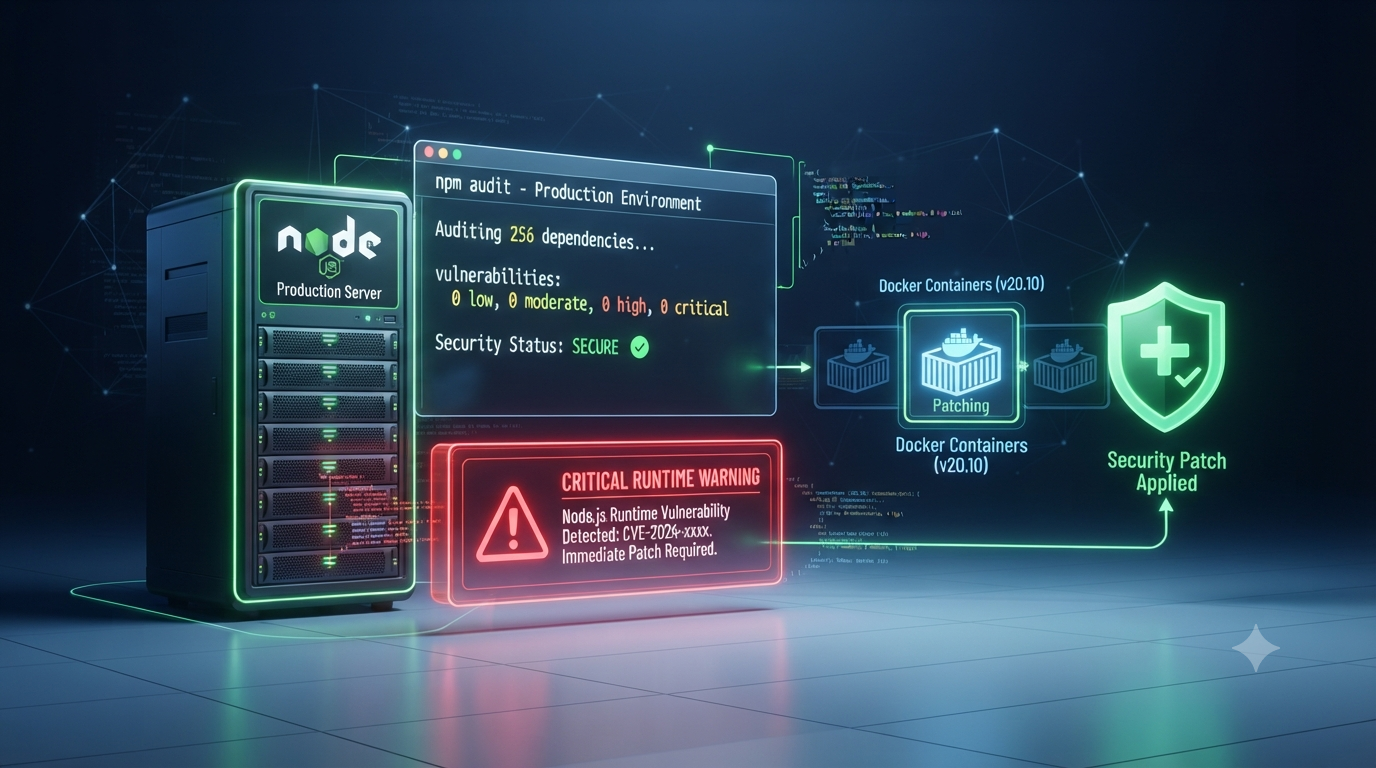
You run npm audit
in your project. The terminal reports zero vulnerabilities.
Your application builds successfully, all tests pass, and
everything looks good.
But there is one important question: Is the Node.js runtime running on your production server also secure?
A green npm audit does not mean your entire application is secure.
npm audit checks vulnerabilities in your project dependencies. It does not replace Node.js runtime security updates, operating system patches, container updates or production infrastructure checks.
In November 2026, Node.js published security releases for its active 22.x, 24.x and 26.x release lines. These updates included high-severity issues affecting HTTP/2 and TLS functionality. This makes it a good time to review how your production applications are patched.
This guide explains the difference between dependency security and runtime security, with practical commands for developers, server administrators and Docker users.
1. What Does npm audit Actually Check?
npm audit examines the dependency tree of your Node.js project and checks it against known security advisories.
For example, your application might depend on:
{
  "dependencies": {
    "express": "^5.1.0",
    "axios": "^1.8.0",
    "jsonwebtoken": "^9.0.0"
  }
}
Run the following command from your project directory:
npm auditnpm checks known vulnerabilities affecting your installed dependencies and reports the findings.
What it helps check
- â Known package vulnerabilities
- â Vulnerable dependency versions
- â Dependency relationships
- â Available security fixes
What it does not replace
- â Node.js runtime security updates
- â Operating system patches
- â Container base-image updates
- â Server configuration audits
A project can have a clean dependency audit while its production server is running an outdated and vulnerable Node.js runtime.
2. Why Node.js Runtime Updates Matter
Node.js is not just a tool that starts your application. It provides the runtime environment that handles HTTP requests, network connections, TLS communication, file operations and JavaScript execution.
Vulnerabilities in the runtime or its bundled dependencies can affect your application even when your own package dependencies are up to date.
Application dependencies
Packages installed through npm and recorded in your package.json and package-lock.json.
npm audit
Node.js runtime
The actual Node.js version installed on your workstation, container or production server.
node --version
3. What Happened in the November 2026 Node.js Security Release?
On November 11, 2026, the Node.js project published security updates for three active release lines.
Node.js 22
22.23.5
Security release
Node.js 24
24.22.3
Security release
Node.js 26
26.13.1
Security release
The release addressed multiple vulnerabilities, including high-severity issues involving HTTP/2 session handling, TLS processing and related networking functionality.
Why should backend developers care?
Some vulnerabilities can be triggered by remote clients. Depending on the affected code path and application configuration, consequences can include server crashes, resource exhaustion or other security impacts.
Always consult the official security advisory and release schedule for the exact affected versions and supported upgrade targets. Do not treat the example version numbers as a permanent latest-version recommendation.
4. Check Which Node.js Version Your Server Is Running
Start by checking the Node.js version in your local development environment.
node --version
npm --version
Now connect to your production server using SSH and run the same commands:
ssh username@your-server

node --version
npm --version
If your application runs under a process manager, inspect the actual running process as well.
pm2 list
pm2 describe your-app
Important deployment detail
Your SSH shell, CI pipeline, Docker container and production application may use different Node.js installations. Check the runtime actually used by the running service, not just the version in your interactive terminal.
5. Update Node.js Without Breaking Production
Updating a production runtime should be a controlled deployment task rather than an unplanned command executed on a live server.
Step 1: Check your current version
node --versionStep 2: Check the official release information
Visit the official Node.js security page and identify the appropriate patched version for your release line.
Step 3: Test the update in staging
Update your staging environment first. Run automated tests, API checks, database operations and application smoke tests.
Step 4: Update production
Follow your deployment process to install the patched runtime. Restart or redeploy application processes so they actually load the updated Node.js binary.
Step 5: Verify after deployment
node --version
pm2 list

curl -I https://your-domain.com
6. Running Node.js Inside Docker? Update the Base Image Too
One common deployment mistake is updating Node.js on the host machine while continuing to run an older runtime inside a Docker container.
Your Docker image contains its own Node.js runtime. Updating the host does not automatically update that image.
Example of an outdated image reference
FROM node:22A major-version tag does not guarantee that an existing deployed container has received a newer patch. Rebuild and redeploy your image after updating the base image.
A practical Docker workflow
# Pull the refreshed base image
docker pull node:22

# Rebuild your application image
docker build --pull -t my-node-app:latest .

# Run the updated container
docker run -d --name my-node-app \
  -p 3000:3000 my-node-app:latest

# Verify the runtime inside the container
docker exec my-node-app node --version
In production, use your deployment platform's normal rollout process, image tags and health checks. Avoid replacing a live container without a tested recovery plan.
7. Run Dependency Audits Separately
Runtime updates do not remove vulnerabilities from application dependencies. You still need to audit your npm packages.
# Inspect known dependency vulnerabilities
npm audit

# Get machine-readable JSON output
npm audit --json

# Review outdated packages
npm outdated

# Inspect the dependency tree
npm ls --depth=0
If npm reports a vulnerability, review the affected package, available fix and compatibility impact. Do not blindly run a force upgrade on production.
Be careful with npm audit fix --force
A forced upgrade can introduce breaking dependency changes. Review the proposed changes, test them and commit a verified lockfile before deployment.
8. Build a Production Security Patch Checklist
A good security process should cover the complete deployment environment, not just the source code.
Node.js production checklist
- â Check the official Node.js security advisories.
- â Identify the runtime version used in production.
- â Update to an appropriate patched release.
- â Run npm audit and inspect dependency findings.
- â Review package-lock.json changes.
- â Update Docker base images where applicable.
- â Rebuild and redeploy application containers.
- â Update CI/CD runtime configurations.
- â Check operating system and server packages.
- â Run automated tests and smoke tests.
- â Verify health checks after deployment.
- â Keep a rollback plan and deployment record.
Frequently Asked Questions
Does npm audit check the Node.js version?
No. npm audit primarily checks your project's dependency tree against known security advisories. Check the actual runtime separately using node --version and consult official Node.js security releases.
Is using Node.js LTS enough to stay secure?
No. LTS is a support and release channel, not a guarantee that your installed patch is current. Install relevant security updates within the supported release line.
Does updating Node.js on my host update Docker?
No. Containers use the runtime included in their image. Rebuild and redeploy containers with an updated base image.
How often should I check Node.js security updates?
Monitor official security advisories continuously and establish a regular patch review process. Prioritize high-severity fixes based on exposure and the official advisory's impact assessment.
Final thoughts
A Clean Dependency Audit Is Only the Beginning
Your application's security depends on more than its npm packages. The runtime, operating system, container image, deployment pipeline and server configuration all matter.
Make runtime patching part of your regular deployment process. Verify what is actually running in production, test updates before release and keep a record of every security patch.
Don't just audit your code. Secure the environment that runs it.