Laravel Development
Your Laravel Queue Job Runs Twice? Prevent Duplicate Jobs Before They Break Your Application
Laravel queues make background processing easier, but duplicate job execution can lead to repeated emails, duplicate records, and even double payment attempts. Learn how to use unique jobs, job middleware, database constraints, and idempotency to make your queue system more reliable.
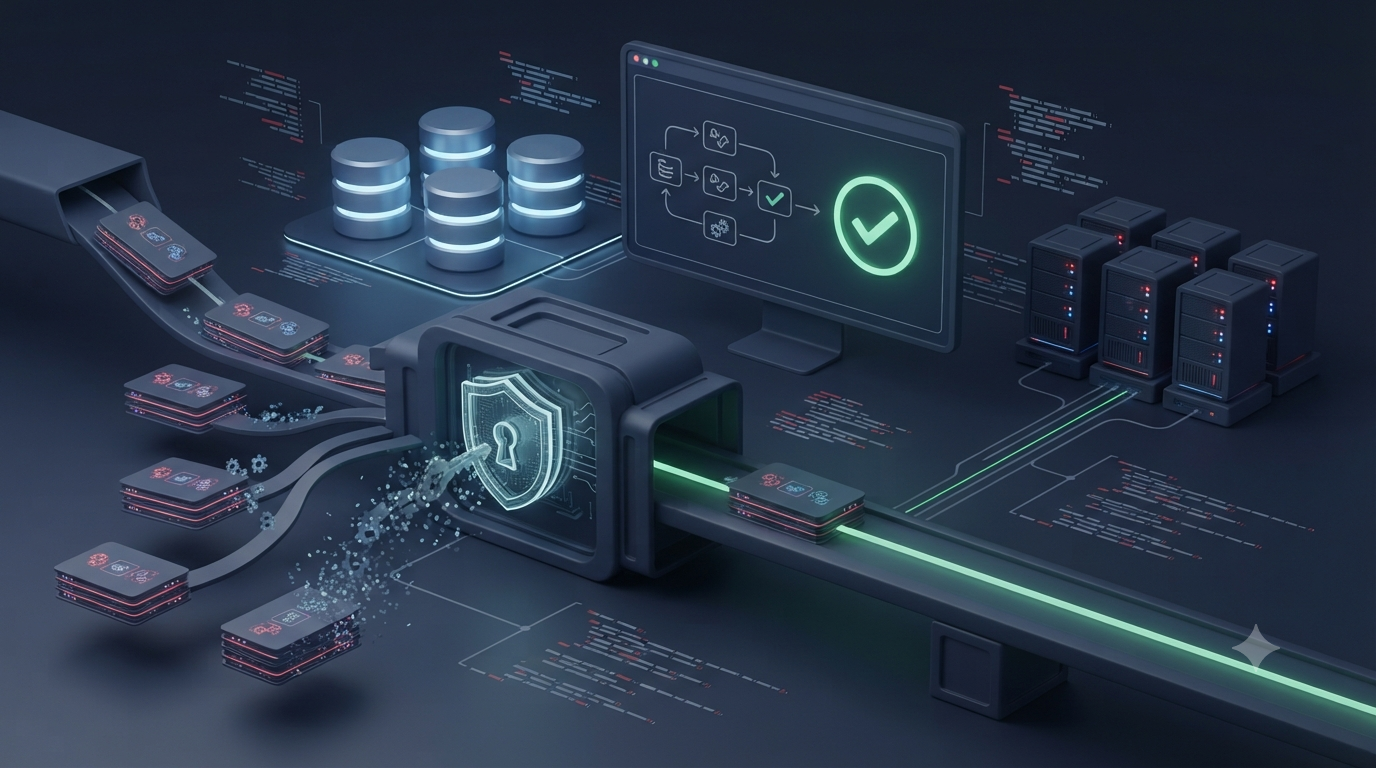
Duplicate emails, repeated database records, and multiple payment attempts can turn a simple queue issue into a serious production problem. Learn how to make your Laravel background jobs more reliable.

The Problem: One Action, Multiple Executions
Imagine a customer places an order on your website. Your Laravel application creates the order and dispatches a background job to send a confirmation email.
Everything works correctly until the customer clicks the checkout button twice, a request is repeated, or a queue worker retries a job after an unexpected failure.
Suddenly, your application sends two confirmation emails or performs the same operation more than once.
A possible production scenario
Laravel queues are designed to process background work reliably, including retrying jobs when failures occur. But retrying a job introduces an important engineering responsibility: your job should be safe when its logic runs again.
Why Do Laravel Queue Jobs Run More Than Once?
There are several reasons why a job might be dispatched repeatedly or its execution might overlap with another job.
1. Multiple requests
A user clicks a button multiple times, or a frontend request is repeated. Each request may dispatch another job.
2. Automatic retries
A job may fail because of a network issue, timeout, or temporary external service problem. Laravel can attempt the job again according to its retry configuration.
3. Multiple queue workers
Multiple workers improve processing capacity, but jobs that modify the same resource may execute at the same time.
4. External service failures
A payment provider or email service might complete an operation, but your application may fail before recording the successful result. A retry can then repeat the action.
An Important Concept: Duplicate Dispatch Is Not the Same as Duplicate Execution
A unique job prevents certain duplicate dispatches. Overlap middleware prevents concurrent processing for a shared lock key. Neither one alone guarantees that a business operation will happen exactly once. For critical operations, you also need idempotent application logic and appropriate database constraints.
1. Prevent Duplicate Dispatches With ShouldBeUnique
Laravel provides the ShouldBeUnique interface for jobs that should only have one active queued instance for a particular unique key.
For example, imagine that you generate a report for each order. You do not want the same report-generation job dispatched repeatedly while an existing one is waiting or processing.
Create the job
php artisan make:job GenerateOrderReportImplement ShouldBeUnique
<?php

namespace App\Jobs;

use App\Models\Order;
use Illuminate\Contracts\Queue\ShouldQueue;
use Illuminate\Contracts\Queue\ShouldBeUnique;
use Illuminate\Foundation\Queue\Queueable;

class GenerateOrderReport implements ShouldQueue, ShouldBeUnique
{
    use Queueable;

    public int $uniqueFor = 3600;

    public function __construct(
        public int $orderId
    ) {}

    public function uniqueId(): string
    {
        return 'order-report:' . $this->orderId;
    }

    public function handle(): void
    {
        $order = Order::findOrFail($this->orderId);

        // Generate the report here.
    }
}
The uniqueId method identifies which jobs should be treated as duplicates. If another job with the same unique key is already locked, Laravel will not dispatch another instance.
The uniqueFor property sets a maximum period for the unique lock. Choose a sensible duration for your workload rather than assuming the lock should last forever.
Remember
Unique jobs require a cache driver that supports atomic locks. If your application runs on multiple servers, those servers must share a central cache so that uniqueness is coordinated correctly.
2. Prevent Concurrent Execution With WithoutOverlapping
Sometimes you actually need multiple jobs to exist in the queue, but you do not want two jobs modifying the same resource at the same time.
This is where Laravel's WithoutOverlapping middleware becomes useful. It uses atomic cache locks to prevent jobs sharing a lock key from processing concurrently.
<?php

namespace App\Jobs;

use Illuminate\Contracts\Queue\ShouldQueue;
use Illuminate\Foundation\Queue\Queueable;
use Illuminate\Queue\Middleware\WithoutOverlapping;

class UpdateOrderStatus implements ShouldQueue
{
    use Queueable;

    public function __construct(
        public int $orderId
    ) {}

    public function middleware(): array
    {
        return [
            (new WithoutOverlapping('order:' . $this->orderId))
                ->releaseAfter(60)
                ->expireAfter(180),
        ];
    }

    public function handle(): void
    {
        // Update the order status here.
    }
}
Here is what the middleware options mean:
- releaseAfter(60): Release an overlapping job back to the queue with a 60-second delay.
- expireAfter(180): Set a 180-second expiration for the lock.
Tune the lock expiration to your real processing time. A lock that expires too early can allow overlapping work, while an unnecessarily long lock can delay processing after a failure.
3. Make Your Jobs Idempotent
This is one of the most important techniques for reliable background processing.
Idempotency means that performing the same operation multiple times produces the same intended final result as performing it once. For example, marking an order as paid should not create another payment record every time a job is retried.
Avoid blindly creating records
// Risky when the job is retried

Payment::create([
    'order_id' => $this->orderId,
    'amount' => $this->amount,
    'status' => 'completed',
]);
If this code runs twice, it may create two payment records unless your database or application prevents it.
Use a stable operation identifier
// Example: use a stable provider transaction ID

Payment::updateOrCreate(
    [
        'provider_transaction_id' => $this->transactionId,
    ],
    [
        'order_id' => $this->orderId,
        'amount' => $this->amount,
        'status' => 'completed',
    ]
);
The transaction identifier must remain the same across retries. Generating a new identifier for every attempt defeats the purpose.
A practical payment example
When calling a payment provider, use its supported idempotency key mechanism where available. Persist the operation identifier before retrying, and verify the provider's transaction status when the outcome of a request is uncertain. A local database check alone cannot guarantee that an external payment will happen only once.
4. Use Database Constraints as Your Last Line of Defense
Application-level checks are useful, but concurrent requests can still reach the database at nearly the same time.
A database unique constraint provides an additional layer of protection against duplicate records.
For example, if each order should have only one payment record for a particular provider transaction, create a unique index:
Schema::table('payments', function (Blueprint $table) {
    $table->unique('provider_transaction_id');
});
Before adding the index to an existing production table, check and resolve any existing duplicate values.
Your application should also handle unique-constraint violations appropriately. Do not assume that every database exception means the operation failed permanently.
5. Configure Retries and Timeouts Carefully
Retries are necessary for temporary failures, but they should be configured intentionally.
You can configure a worker to allow a maximum number of attempts:
php artisan queue:work --tries=3You can also configure job-specific retry behavior:
public int $tries = 3;

public function backoff(): array
{
    return [10, 30, 60];
}
This example allows three attempts and defines increasing delays between retries.
Set your worker timeout and queue connection retry_after value carefully. The worker timeout should be shorter than the queue connection's retry_after interval so that a job is not made available again while the original worker may still be processing it.
Which Laravel Feature Should You Use?
| Feature | Purpose | Best use |
|---|---|---|
| ShouldBeUnique | Avoid duplicate dispatches | One active job per resource |
| WithoutOverlapping | Prevent concurrent execution | Protect shared resources |
| Idempotency | Make repeated operations safe | Payments and external actions |
| Unique database index | Enforce data integrity | Prevent duplicate records |
These techniques solve different problems. A production system may need more than one of them.
Production Checklist for Laravel Queue Jobs
- ✓ Use unique job locks where duplicate dispatches should be prevented.
- ✓ Use WithoutOverlapping when jobs must not modify the same resource concurrently.
- ✓ Design jobs to safely handle retries.
- ✓ Use database unique constraints for critical data integrity.
- ✓ Configure retry counts, backoff, timeouts, and lock expiration.
- ✓ Use shared cache infrastructure when running multiple application servers.
- ✓ Monitor failed jobs and investigate repeated failures.
Final Thoughts
Laravel queues are powerful, but reliable background processing requires more than simply dispatching a job and hoping it runs once.
Start by understanding whether your problem is duplicate dispatch, concurrent execution, or repeated side effects. Then choose the right protection: ShouldBeUnique, WithoutOverlapping, idempotent logic, and database constraints.
Most importantly, never assume a background job will execute exactly once. Design it so that retries and repeated delivery cannot corrupt your application's data or repeat critical actions.
Further Reading
Published on KodingKaro — Practical tutorials for developers who want to build better web applications.